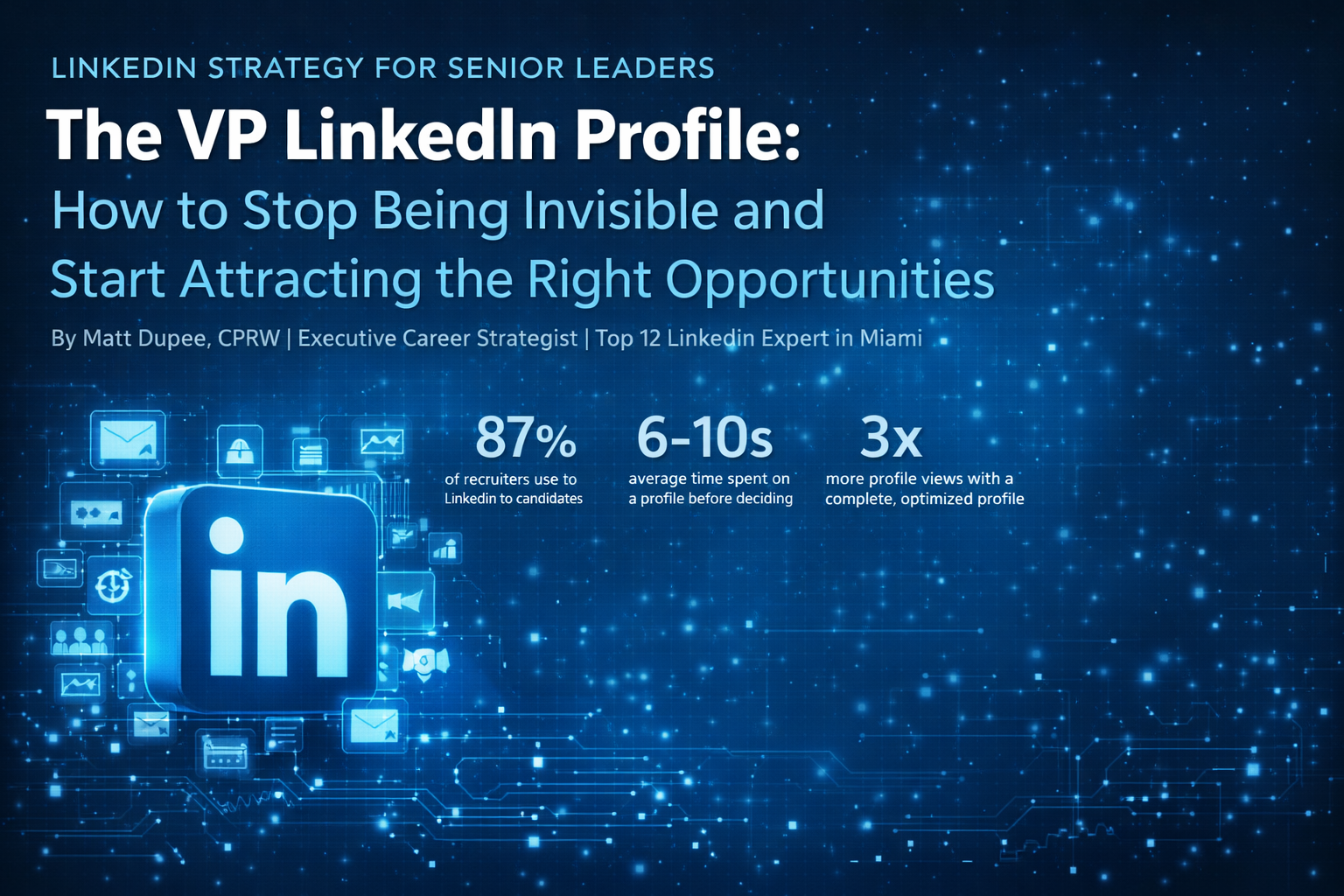
How to Stop Being Invisible and Start Attracting the Right Opportunities
By Matt Dupee, CPRW | Executive Career Strategist | Top 12 LinkedIn Expert in Miami
|
87% of recruiters use LinkedIn to source candidates |
6-10s average time spent on a profile before deciding |
3x more profile views with a complete, optimized profile |
If you hold a VP title, there is a good chance your LinkedIn profile is underperforming. Not because of your experience. Not because of your qualifications. Because LinkedIn rewards a specific kind of presence, and most vice presidents have never been shown how to build it.
The profiles I see from VP-level candidates typically share the same pattern: a solid career history, a sparse summary, a headline that reads like a business card, and almost no activity. The result is a profile that technically exists but functionally disappears.
LinkedIn is where executive-level opportunities happen now. Recruiters sourcing VP and C-suite roles spend the majority of their search time on the platform. Board members vet candidates there. Strategic partners find collaborators there. If your profile does not compel someone to stop and read, those opportunities find someone else.
This post breaks down every component of a VP-level LinkedIn profile and explains what separates a profile that attracts opportunities from one that simply archives a career.
Why VP Profiles Are Different
LinkedIn optimization advice is abundant online, but most of it is written for mid-level professionals or job seekers in general. The strategic reality for VP-level leaders is different in three important ways.
Audience composition is different. Your profile will be viewed by board members, C-suite executives, peer VPs at other organizations, institutional investors, and executive recruiters specializing in senior-level searches. These are sophisticated readers with high signal detection. Generic language, vague claims, and lack of specificity register immediately as weakness.
Stakes are higher. At the VP level, the gap between a strong profile and a weak one translates directly to opportunity quality. The roles that do not appear on job boards, the calls that come from retained search firms, the speaking invitations, the board advisory inquiries: these all flow through LinkedIn presence and reputation.
You are not just a job seeker. Even if you are actively looking, your LinkedIn profile serves multiple strategic purposes simultaneously. It is a thought leadership platform, a professional credibility document, a networking tool, and a personal brand asset. Optimizing it for job search alone undersells the opportunity.
A VP-level LinkedIn profile is not a digital resume. It is a strategic positioning document for your executive brand.
The Seven Components of a VP-Level LinkedIn Profile
1. The Headline: Your First and Most Visible Statement
Your headline appears beneath your name everywhere on LinkedIn. In search results, in connection requests, in comments, in direct messages. It is the most frequently seen element of your profile by a wide margin, and it is where most VP profiles fail immediately.
The default LinkedIn behavior populates your headline with your current job title and company. That tells someone where you work. It does not tell them why they should care.
|
WEAK |
VP of Operations | ABC Manufacturing This is a title and a company name. It provides no positioning, no differentiation, and no value signal. Anyone in your role at any company has the same headline. |
|
STRONG |
VP Operations | P&L Leader Scaling Manufacturing Through Operational Efficiency, Lean Systems, and High-Performance Teams This communicates a target, a methodology, and a value proposition in one line. A recruiter searching for operational VP talent sees this and understands immediately what you do and how you do it. |
Your headline should contain: your target title or functional area, your primary domain or industry context, and two or three specific value drivers that define how you create results. Keep it under 220 characters so it does not truncate on mobile.
2. The Banner Image: Overlooked, Not Optional
The banner image is the wide graphic behind your profile photo. The majority of VP profiles have LinkedIn’s default blue gradient there. That is a missed opportunity.
A professional, branded banner image does three things: it signals that you take your professional presence seriously, it creates a visual first impression before anyone reads a single word, and it can communicate your industry, functional area, or personal brand at a glance.
You do not need a graphic designer. A clean, high-quality image relevant to your industry, your city, or your functional area, with your name and professional tagline overlaid, is more than sufficient. Tools like Canva make this a thirty-minute project.
3. The About Section: Where Your Brand Lives
The About section is the most underused real estate on LinkedIn for VP-level professionals. Most are either blank, or filled with a third-person biography that reads like a press release.
At the VP level, your About section should accomplish four things in sequence:
- Open with a positioning statement that establishes your professional identity and primary value
- Articulate the specific types of challenges and contexts where you do your best work
- Provide two or three brief, quantified proof points that demonstrate your impact
- Close with a clear signal of what you are open to: conversations, connections, speaking, or active opportunities
Write in first person. The third-person About section reads as either outdated or overly formal for a platform that is inherently conversational. Your voice matters here.
Aim for 250 to 350 words. Long enough to communicate substance, short enough that someone will actually read it. Use short paragraphs with white space. LinkedIn is a mobile-first platform and dense text blocks are skipped.
Your About section is not a summary of your resume. It is your answer to the question: why should I want to talk to you?
4. The Experience Section: Accomplishment Architecture
The experience section is where most VP profiles are just barely adequate. Titles, company names, dates, and a paragraph of responsibilities. That format communicates what you were asked to do. It does not communicate what you actually delivered.
Every position at the VP level should follow a consistent architecture:
- A brief context line explaining the scope of the role: team size, P&L responsibility, reporting structure, organizational context
- Three to five accomplishment-driven bullet points quantified wherever possible
- At least one statement that demonstrates strategic leadership, not just operational management
The distinction between responsibilities and accomplishments is where executive profiles win or lose. Led a team of 45 and oversaw $120M in annual operations is a responsibility statement. Restructured a 45-person operations organization to reduce cost-per-unit by 18% while scaling output 34% year-over-year is an accomplishment. One tells a recruiter what you were given. The other tells them what you built.
For roles more than ten years ago, three to four bullet points are sufficient. Depth should be concentrated in the most recent and most relevant positions.
5. Skills and Endorsements: Strategic, Not Exhaustive
LinkedIn allows up to 50 skills. Most VP profiles either have too few (missed keyword coverage) or too many (diluted signal). The strategic approach is selective and intentional.
Prioritize the top 10 to 15 skills most relevant to your target role and industry. These are the terms recruiters use in Boolean searches. If your target is VP of Finance roles in healthcare, skills like Financial Planning and Analysis, Healthcare Finance, Strategic Planning, and M&A Due Diligence matter significantly more than generic entries like Microsoft Office.
Endorsements add social proof. The most effective way to build meaningful endorsements is to give them to colleagues and peers you genuinely respect. Reciprocity is a natural outcome.
6. Recommendations: The Most Underutilized Trust Signal
A LinkedIn profile with zero recommendations is a missed credibility opportunity. At the VP level, a profile with three to five strong recommendations from credible sources, direct reports, peers, and supervisors, tells a story that no amount of self-description can replicate.
The most effective recommendations are specific, not generic. A recommendation that says John is a great leader who always delivers is forgettable. A recommendation that describes a specific challenge you navigated, a specific result you produced, and the specific qualities you demonstrated in doing it is compelling.
Do not wait for recommendations to come to you. A thoughtful, specific request to a former colleague or direct report, with context about what you would value their perspective on, yields far better results than a generic LinkedIn request.
7. Activity and Content: The Multiplier
All of the optimization above makes your profile strong when someone lands on it. Activity is what drives people to land on it in the first place.
LinkedIn’s algorithm rewards consistent engagement. When you post, comment, or share, your name surfaces to your network and beyond. This creates a compounding visibility effect that static profiles never achieve.
At the VP level, you do not need to post daily. You need to post strategically. Two to three posts per week of genuine, insight-driven content in your domain will dramatically increase your profile views, connection requests, and inbound messages over a ninety-day period.
Content that performs well at the VP level:
- Observations on trends in your industry or functional area
- Lessons from specific challenges you have navigated, without disclosing confidential information
- Commentary on relevant news, reports, or research with your own perspective added
- Short-form frameworks or principles from your leadership experience
- Recognition of team members, colleagues, or organizational milestones
You do not need to be a writer. You need to be specific, direct, and willing to have a point of view. The VPs who become known on LinkedIn are not the ones who share the most content. They are the ones who share the most useful content.
The VP LinkedIn Optimization Checklist
Before you consider your profile optimized, verify each of the following:
|
✓ |
Professional headshot (not a crop from a group photo, not your company badge photo) |
|
✓ |
Custom banner image relevant to your industry or personal brand |
|
✓ |
Headline that goes beyond title and company to communicate value drivers |
|
✓ |
Custom LinkedIn URL (your name, not a string of random numbers) |
|
✓ |
About section written in first person, 250 to 350 words, with clear positioning and a call to action |
|
✓ |
All current and recent roles include accomplishment-driven bullets with quantified results |
|
✓ |
Scope context included for each VP-level role (team size, P&L, reporting structure) |
|
✓ |
15 or more relevant skills prioritized for your target role and industry |
|
✓ |
Minimum of three recommendations from credible sources |
|
✓ |
Contact information or preferred outreach method visible in the About section |
|
✓ |
At least one post or article published in the last 30 days |
|
✓ |
Open to Work or Open for Business setting configured appropriately for your situation |
A Note on Keyword Strategy
LinkedIn operates on search algorithms. When a recruiter searches for a VP of Supply Chain with experience in automotive and lean manufacturing, LinkedIn returns results based on keyword matching across your profile. If those terms do not appear in your headline, About section, experience, or skills, your profile does not surface.
The most effective approach is to identify the ten to fifteen keywords most central to your target role and ensure they appear naturally throughout your profile in multiple sections. Do not stuff them artificially. Write substantive content and the keywords will integrate organically.
Pull keywords from three sources: job descriptions for your target roles, LinkedIn profiles of people currently in positions you aspire to, and industry publications and reports in your domain.
Keywords get you found. Compelling content makes people stay. Both are required.
What to Do This Week
LinkedIn profile optimization does not require a weekend project. It requires prioritization. Here is a practical sequencing:
Day 1: Update your headline and banner image. These are the highest-visibility changes and take less than an hour.
Day 2: Rewrite your About section. Draft it in a separate document first. Read it aloud. If it sounds like a press release, rewrite it until it sounds like you.
Day 3 to 4: Revise your two most recent experience entries to lead with accomplishments, not responsibilities. Add quantified results wherever you have them.
Day 5: Send three recommendation requests to former colleagues, direct reports, or supervisors with a specific, thoughtful note.
Week 2 and beyond: Commit to two posts per week on topics in your domain. Block thirty minutes on your calendar. Treat it as a professional obligation, because at the VP level, it is.
The executives who build strong LinkedIn presence are not necessarily the most talented leaders in their industries. They are the ones who understood that talent without visibility is invisible.
You have built a career worth noticing. Build a LinkedIn profile that makes it impossible not to.
About the Author
Matt Dupee is a Certified Professional Resume Writer (CPRW) and executive career strategist based in Vero Beach, FL. Recognized as a Top 12 LinkedIn Expert in Miami and a 2020 TORI Award winner (First Place, Best Difficult Transition Resume), Matt works with VP and C-suite leaders across healthcare, financial services, technology, and manufacturing to build career documents and LinkedIn profiles that open doors. His practice specializes in executive resume writing, LinkedIn optimization, and concierge job search services.